Vital Summary
- The Feature: Software-based “Night Mode” or “Blue Light Filters” shift screen colors to warmer tones (amber/red).
- The Science: While filters reduce blue light intensity, they do not eliminate the circadian disruption caused by screen brightness.
- The Verdict: Research suggests “Night Mode” is less effective than total screen avoidance for improving sleep onset.
- The Reality: Psychological stimulation from apps often overrides any benefit provided by color-shifting software.
Quick Answer
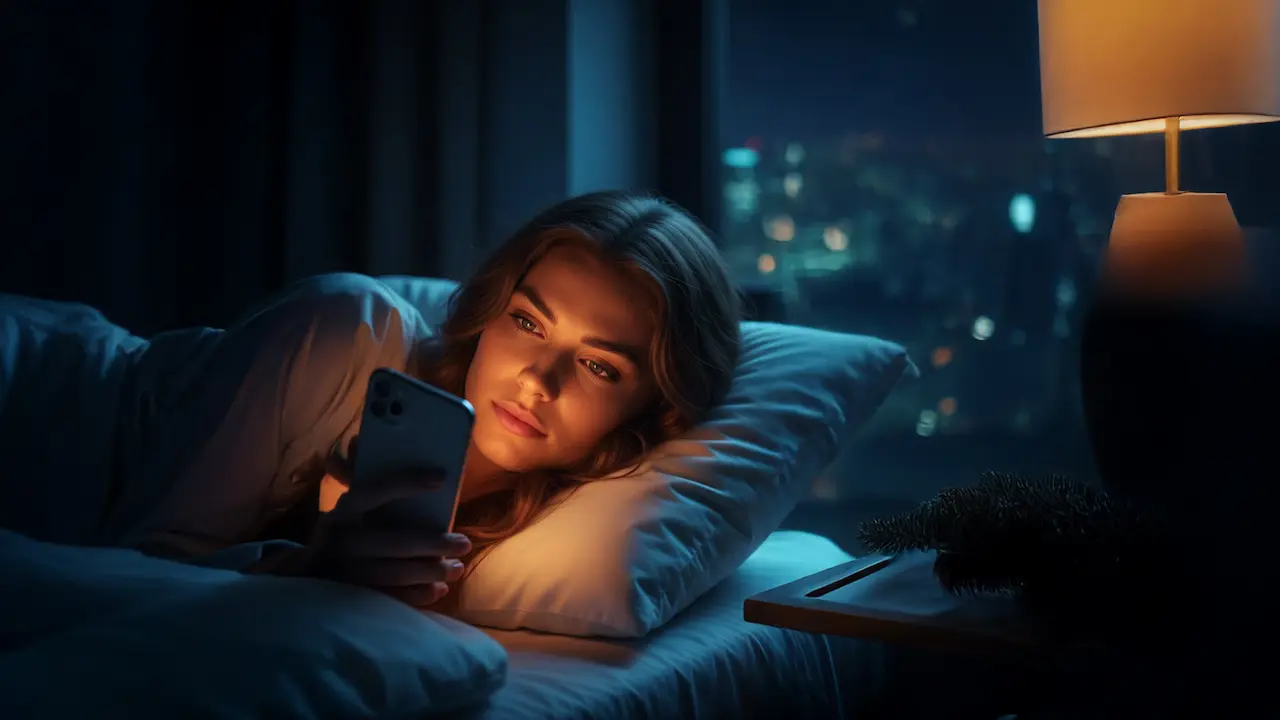
Night Mode (iPhone’s Night Shift, Android’s Night Light, Windows’ Night Light) reduces blue light intensity, which theoretically protects melatonin production. However, clinical studies show these filters have a negligible impact on sleep quality if the device is still used within an hour of bed. The brightness of the screen and the mental engagement of the content remain the primary disruptors of sleep, regardless of screen color.
The Science of the “Amber Filter”
The primary goal of Night Mode features is to minimize exposure to Short-Wavelength Blue Light ($450-490$ nm), which is the most potent suppressor of Melatonin in the human brain. By shifting the display toward the warmer end of the spectrum, manufacturers aim to mimic the low-energy light of a sunset.
However, a landmark study from Brigham Young University (2021) compared three groups: those who used phones with Night Shift, those who used phones without it, and those who used no phone at all. The results showed no significant difference in sleep outcomes between the two phone-using groups. Both phone groups experienced poorer sleep than the non-user group.
This is due to two factors:
- Intensity vs. Spectrum: Even if light is amber, if it is bright enough, the Melanopsin receptors in your eyes will still signal the brain to stay alert.
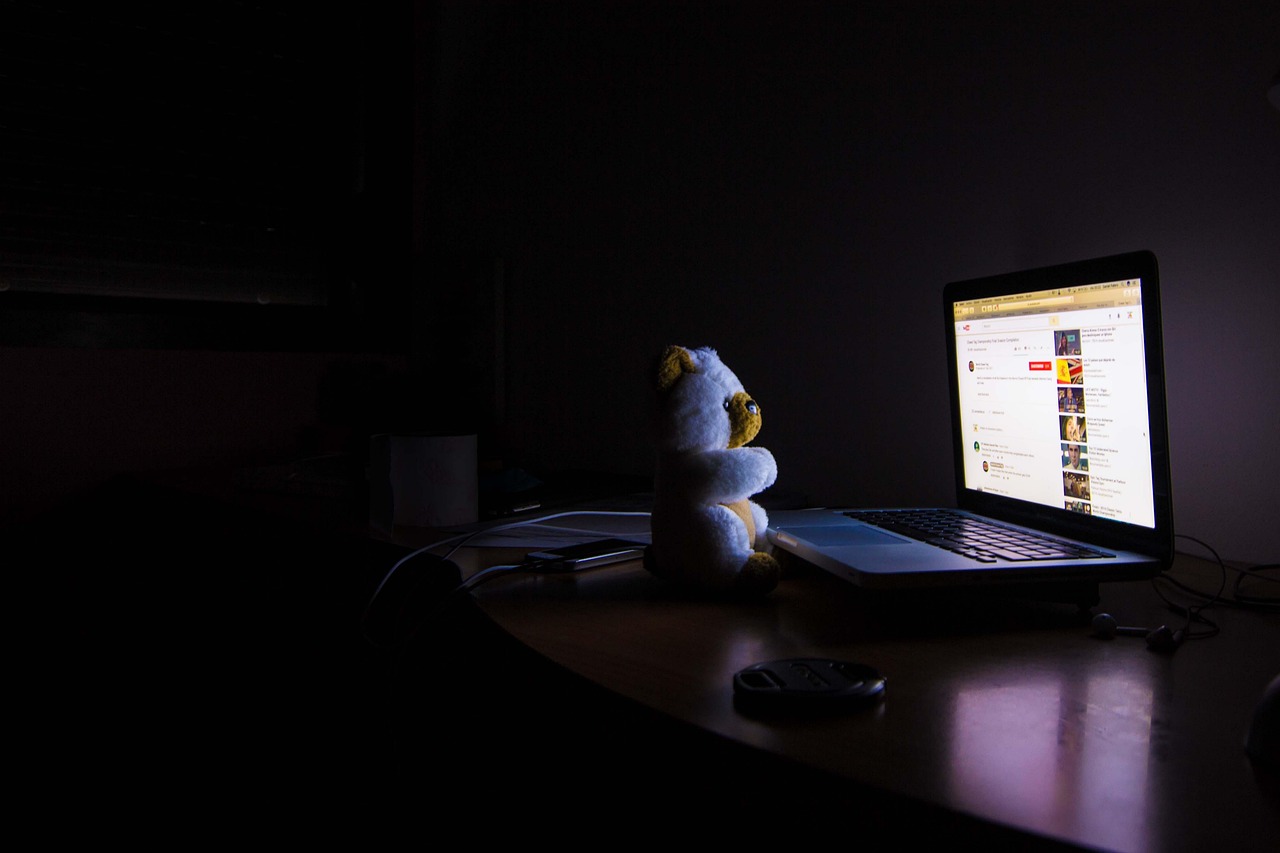
- Psychological Arousal: Using a phone keeps the brain in an “active” state. No amount of color shifting can counteract the stress of an email or the dopamine hit of a notification.
Evidence Strength: Well-established that blue light suppression is a factor; emerging research suggests that “Night Mode” software is a “better than nothing” tool rather than a total solution.
What This Means for You
You likely turn on Night Mode and feel a sense of relief—the screen looks “softer,” and your eyes feel less strained. This is a real benefit for comfort, but it is often a false sense of security for your sleep. You might stay on your device longer because you believe you are “protected” by the amber tint, effectively canceling out the benefit of the filter.
Think of Night Mode like a low-fat cookie. It’s technically “better” than the full-fat version, but if you eat ten of them, you’re still getting more sugar than if you had just eaten a piece of fruit. Night Mode is a harm-reduction tool, but it doesn’t make late-night phone use “healthy” for your circadian rhythm.
[Related: Sl]
Device Effectiveness Comparison
| Platform | Feature Name | What to Consider | Why it’s supported by evidence |
| iPhone/iOS | Night Shift | Offers “Warmth” slider. | Maximum warmth is required to significantly reduce blue light; default settings are often too subtle. |
| Android | Night Light | Highly customizable timing. | Consistency is key; setting a “sunset to sunrise” schedule helps automate eye comfort. |
| Windows | Night Light | Best for late-night productivity. | Reducing glare on large monitors prevents “Ciliary Muscle” fatigue during late work. |
The Realistic Protocol: 1-2-3
If you must use your devices in the evening, follow this plan to mitigate the damage.
- Max Out the Warmth: Go into your settings and move the “Warmer” slider all the way to the right. The screen should look noticeably orange.
- Dim the Brightness: Lower the screen brightness to the absolute lowest comfortable level. Light intensity is just as disruptive as light color.
- The “Passive” Shift: Use Night Mode for passive tasks (watching a familiar show) rather than active tasks (typing, scrolling, or gaming).
How to Start
- If you’re busy: Schedule “Night Mode” to turn on automatically at 7:00 PM. Don’t wait until bed to start the transition.
- If you’re serious: Use an app like f.lux (Windows/Mac) which offers deeper customization and a “Darkroom” mode that turns the screen entirely red.
- If you’re a beginner: Try “Greyscale” mode. Taking the color away from your phone makes the content less “addictive,” naturally leading you to put it down sooner.
[Related: Nervous System Basics]
Pros & Cons of Night Mode
Pros:
- Reduces immediate eye strain and “glare” in dark rooms.
- Acts as a visual cue that the day is ending.
- Better for the eyes than a standard, bright-blue display.
Cons:
- False Security: May lead to longer screen time before bed.
- Limited Impact: Does not fully prevent melatonin suppression at high brightness levels.
- Color Distortion: Can make creative work (photo editing/design) difficult or inaccurate.
FAQ
Is Night Mode better than Blue Light Glasses?
They work similarly. Night Mode is often better because it’s built into the device and free, whereas glasses can vary wildly in quality and effectiveness.
Why does my screen look yellow?
That is the filter at work! It is removing the blue wavelengths. After 10 minutes, your brain will “color correct,” and it will look normal to you.
Final Takeaway
Night Mode features on iPhone, Android, and Windows are effective at reducing blue light intensity and improving visual comfort, but they are not a “magic pill” for sleep. Clinical research indicates that the mental engagement and overall brightness of the screen are the primary reasons we struggle to sleep after using technology. For the best results, use Night Mode as a transition tool, but aim for a total “digital sunset” at least 60 minutes before bed.
References
- Kroese, F. M., et al. (2014). Bedtime procrastination: A self-regulation perspective on sleep insufficiency. Frontiers in Psychology. https://doi.org/10.3389/fpsyg.2014.00708
- Duraccio, K. M., et al. (2021). Does iPhone’s Night Shift filter support better sleep? Sleep Health Journal. https://doi.org/10.1016/j.sleh.2021.03.005
- Harvard Health Publishing. (2020). Blue light has a dark side: Why evening screen time disrupts sleep. https://www.health.harvard.edu/staying-healthy/blue-light-has-a-dark-side
- American Academy of Ophthalmology. (2022). Blue Light and Digital Eye Strain: The Real Cause of Discomfort. https://www.aao.org/eye-health/tips-prevention/blue-light-digital-eye-strain
- Exelmans, L., & Van den Bulck, J. (2018). “Glued to the tube”: Self-control and bedtime procrastination. Communication Research. https://doi.org/10.1177/0093650217753862